Beyond Simple References
An Object Picker field is excellent for creating a simple reference—it says, “this 🧊 Object is related to that one.” But what if you need to define the nature of that relationship?
- Is this
🧊 Bug a duplicate of that one?
- Is this
🧊 Task blocked by that 🧊 Dependency?
- Is this
🧊 Risk mitigated by that 🧊 Control Measure?
Without a standard way to define these relationships, their meaning is lost, and you cannot build advanced logic or reports based on them.
The Solution: A Global Library of Relationship Types
A Global Connection is a centrally managed, reusable relationship type that you define in Global Admin. It allows you to give a specific name, meaning, and direction to the connection between two 🧊 Objects.
Think of it like grammar. An Object Picker is a noun pointing to another noun (“Task” → “Dependency”). A Global Connection adds the verb, creating a full sentence: “🧊 Task is blocked by 🧊 Dependency.” This adds a rich layer of semantic meaning to your data.
How Global Connections Work
The process is managed by an administrator, ensuring system-wide consistency:
- Define the Connection Type Globally: In
Global Admin, you create a new Connection Type. You give it a name (e.g., “Blocking”) and define the forward and backward relationship text (e.g., “is blocked by” / “blocks”).
- Define the Rules: You can also specify which
Object Types are allowed to use this connection. For example, the “Duplicates” connection might only be permitted between two 🧊 Bug Report Objects.
- Use it on an Object: Once defined, users with the right permissions can open an
Object (e.g., a 🧊 Task) and use the “Add Connection” feature to create a “Blocking” connection to another 🧊 Task.
[Guidejar Placeholder: A two-part tutorial. Part 1 shows an Admin in Global Admin creating a new Connection Type called ‘Blocking’. They set the forward name to ‘is blocked by’ and the backward name to ‘blocks’. Part 2 shows a user on a ‘Task’ Object using the ‘Add Connection’ feature to select the ‘Blocking’ type and reference another ‘Task’ Object.]
The Strategic Advantage
For architects, Global Connections unlock a more advanced level of system design:
- System-Wide Clarity: Everyone uses the same vocabulary for relationships, eliminating ambiguity.
- Advanced Reporting: You can run powerful queries like, “Show me all
🧊 Tasks that are currently blocked by an IN_PROGRESS 🧊 Task” or “Find all 🧊 Bugs that have more than three ‘duplicates’ connections.”
- Powerful Automation: Automations can be triggered by the creation of a specific connection type. For example, “When a ‘duplicates’ connection is added to a bug, automatically change the status of the duplicated bug to
CLOSED.”
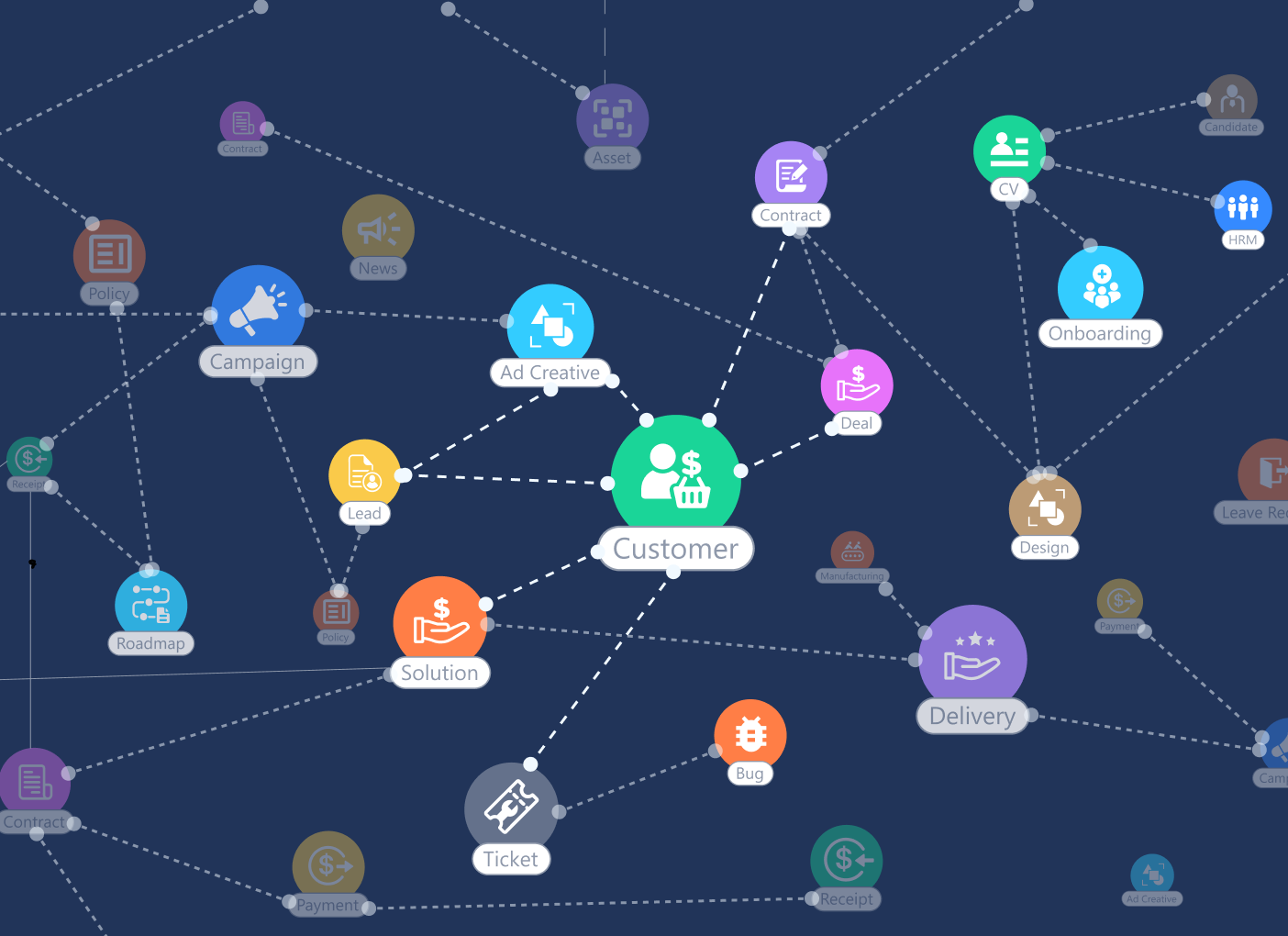
[Image Placeholder: A graph visualization showing several Object icons connected by lines. Each line is labeled with the name of the Global Connection, like ‘duplicates’ or ‘is blocked by’, demonstrating a knowledge graph of work.]
What’s Next?
You have now mastered creating meaningful connections between different 🧊 Objects. The final method of relationship modeling focuses on structuring data within a single Object.