> ## Documentation Index
> Fetch the complete documentation index at: https://docs.luklak.com/llms.txt
> Use this file to discover all available pages before exploring further.
# Object Connections: An Overview of Relationship Modeling
> An overview of the four powerful methods for creating relationships between Objects in Luklak, helping you build a truly connected and unified business system.
## Why Object Connections Matter
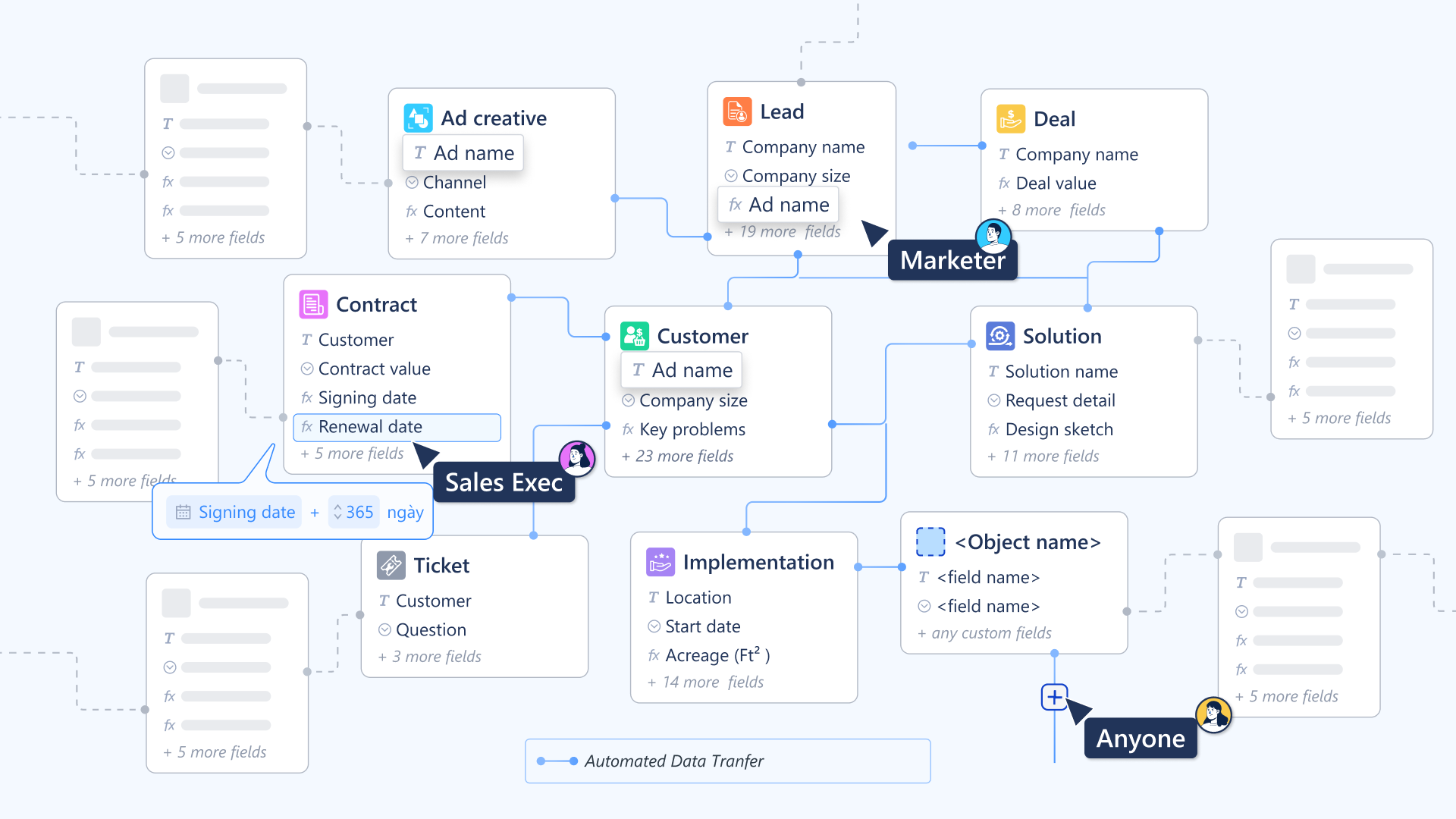
A business isn't a collection of disconnected lists; it's a web of interconnected relationships. A `Customer` is linked to their `Projects`, which are linked to `Tasks`, which are linked to `Invoices`. Modeling these real-world connections is the key to breaking down data silos.
Luklak's Object Connection capabilities allow you to build this 360-degree view of your operations. By linking Objects, you can automate across processes, create powerful cross-functional reports, and give your team the full context they need to make smart decisions.
 ## Four Ways to Model Relationships
Luklak provides four distinct tools for modeling relationships, each suited for a different architectural need. Understanding when to use each is the key to designing an effective and scalable system.
**What it is:** A built-in, strict hierarchy between a standard `Object` and its `Sub-Objects`.
## Four Ways to Model Relationships
Luklak provides four distinct tools for modeling relationships, each suited for a different architectural need. Understanding when to use each is the key to designing an effective and scalable system.
**What it is:** A built-in, strict hierarchy between a standard `Object` and its `Sub-Objects`.
**Best for:** Work breakdown structures, like a `Project` containing many `Tasks`.
**What it is:** A flexible field that allows one `Object` to reference one or more other `Objects`.
**Best for:** Creating direct, many-to-one references, like linking a `Support Ticket` to a `Customer`.
**What it is:** A centrally-managed library of reusable relationship *types* (e.g., "duplicates," "is blocked by").
**Best for:** Standardizing the *meaning* of relationships across your entire system.
**What it is:** An embedded "spreadsheet" within an `Object` for managing structured lists of data.
**Best for:** Modeling "contained" one-to-many data, like the line items on an `Invoice`.
## What's Next?
You now have an overview of the tools available for modeling relationships. Dive into the detailed guides for each method to master their implementation.
* [**For strict hierarchies: Parent-Child Relationships**](/en/02-platform/platform-overview/object-connections/parent-child-relationships)
* [**For flexible references: Using Object Picker Fields**](/en/02-platform/platform-overview/object-connections/lookup-connections)
* [**For enterprise consistency: Managing Global Connections**](/en/02-platform/platform-overview/object-connections/global-connections)
* [**For contained lists: Modeling with Data Tables**](/en/02-platform/platform-overview/object-connections/data-table-fields)